Device Control
The screen shown after successfully connecting to a device.
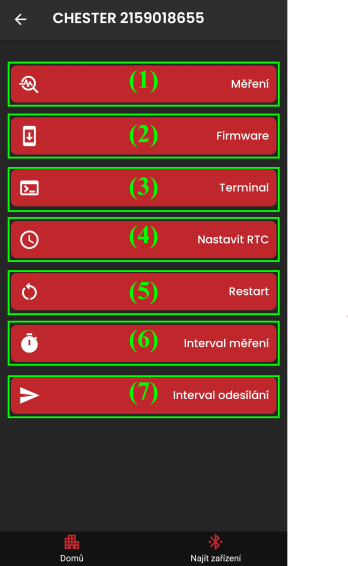
- Measurement screen (1)
- manually start a measurement and export the measured values (CSV, JSON)
- Firmware update screen (2)
- upload new firmware
- Device command-line screen (3)
- sending commands
- option to load commands from a batch file (a bundle of commands)
- Update the device Real-Time-Clock (4)
- clock time synchronization
- Restart the device (5)
- Set the measurement interval (6)
- in seconds
- Set the interval for sending measured values (7)
- in minutes
How to use
This screen mainly serves as a hub linking to the other controls listed above.
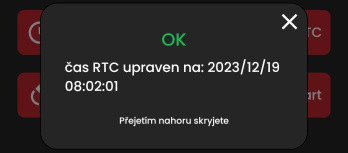
Real-Time-Clock (RTC) update
Tapping the "Set RTC" button synchronizes the device time, based on your phone's internal clock converted to UTC format.
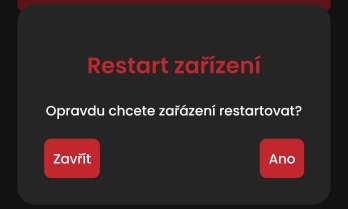
Restarting the device
Restarting the device - subject to a confirmation dialog.
ERROR: The app returns to the "Find Device" screen
Constant redirection is a sign that the device is repeatedly disconnecting (Bluetooth communication is failing).