Organizations overview
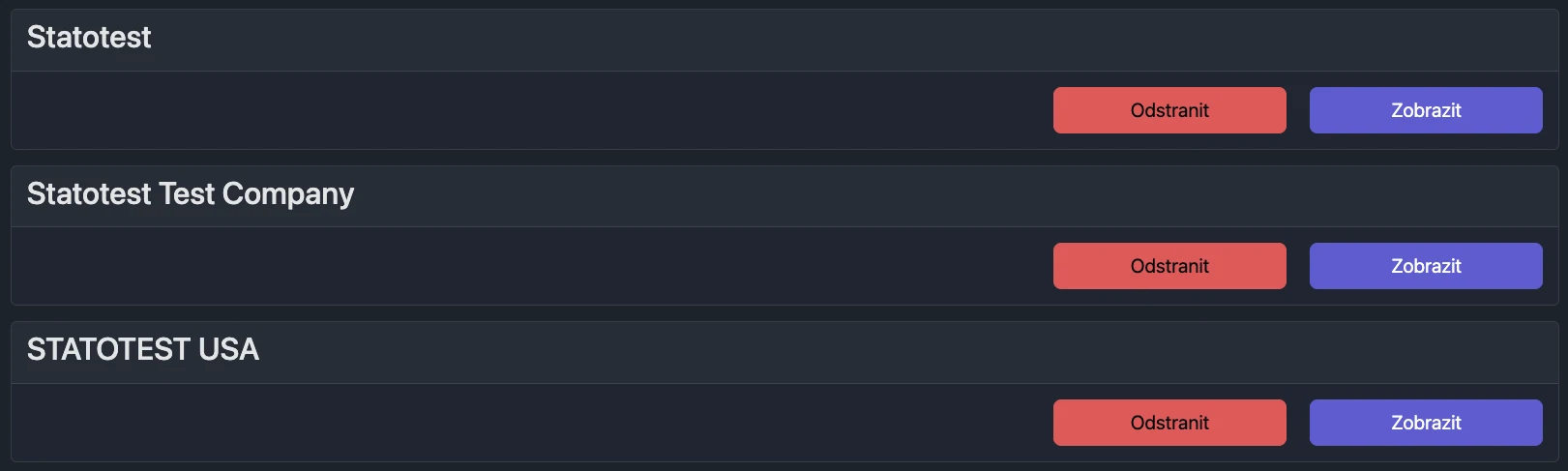
View and manage Organizations you have access to. Expand a card to edit details if you have the right permissions.
Before You Begin
No selection required. The page lists all Organizations you can access.
What you can do here
- Browse Organizations you have access to
- Show/Hide Organization details
- Edit Organization information and settings (with permissions)
- Create or delete Organizations (Global Admin only)
User Permissions
- Global Admin: can create, delete, and edit Organizations
- Organization Admin: can edit Organization details (Name is read-only)
- Construction Admin, User, Guest: read-only
Show or hide details
- Find the Organization card
- Click Show to expand details, or Hide to collapse
When expanded, you can review and (with permissions) edit Organization information, report settings, and time zone.