Constructions table
Expands under an Organization card. Lists Constructions with description and images, and lets you open their Measurement Points.
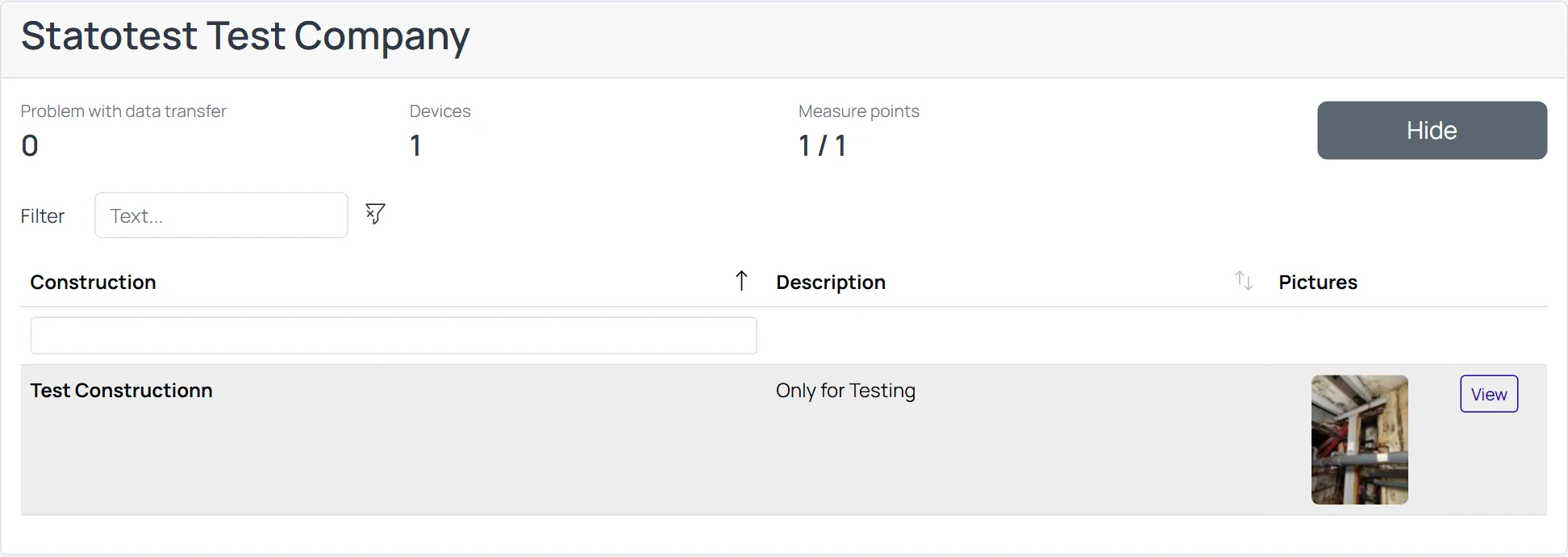
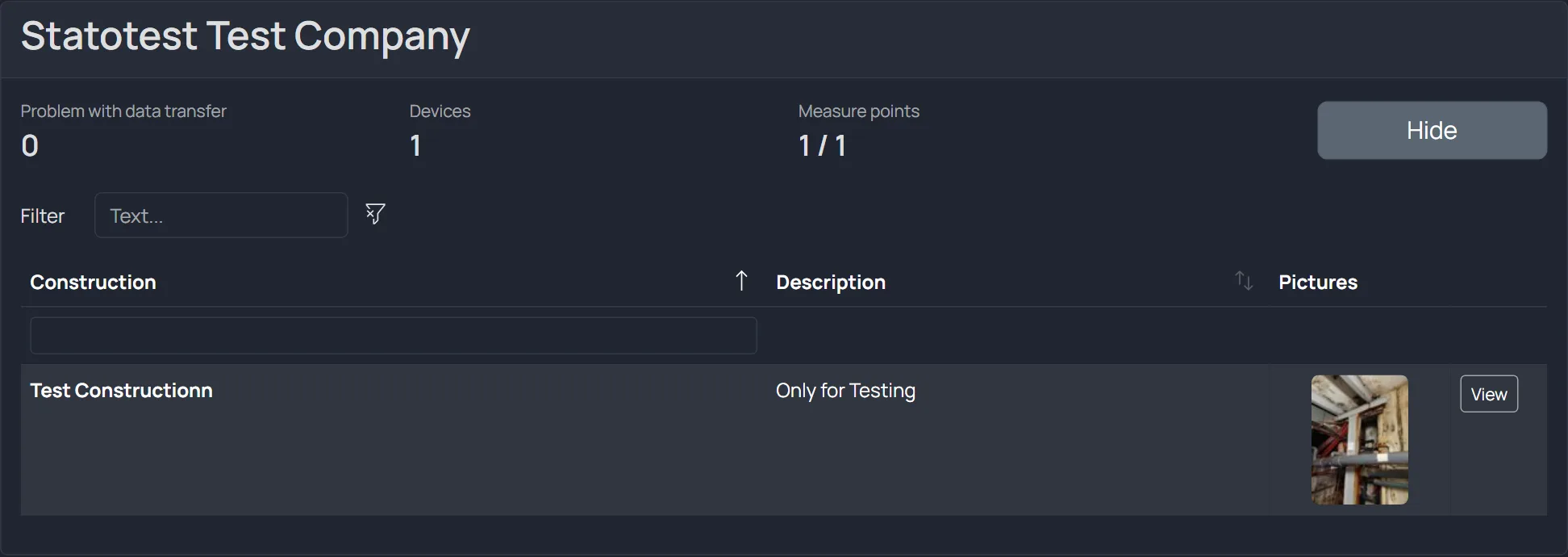
Columns
- Construction — name of the Construction
- Description — Markdown supported; empty descriptions show a muted placeholder
- Pictures — thumbnail gallery; click to open the image viewer
- View — toggles display of the Construction’s Measurement Points
Table features
- Filtering: global filter and column filter
- Sorting: click column headers (default sort by Construction)
- Pagination: items per page control; shows footer when many rows
tip
Use the View button to reveal Measurement Points for a single Construction without leaving the Dashboard.