Alerts overview
The Alerts section watches your measured data and, when a value crosses a limit, sends a notification by e-mail or SMS. It is aimed at organization administrators who set up monitoring for their constructions.
Setting alerts up is an Organization Administrator task. Everything is scoped to the selected Organization (switch it in the top navigation as elsewhere in the portal) — both rules and history are filtered by it.
Alerts is a separate system from the older Notifications section. Notifications (Watchdogs and alert subscriptions) tell you when a device stops sending data. Alerts react to the values of the data itself — thresholds, ranges, and time-window expressions. Use Notifications for "the device went silent" and Alerts for "the measured value left the safe range."
Before You Begin
Select an Organization in the top navigation. All alert rules and history are scoped to the selected Organization.
Where to find it
Open Alerts in the left menu. The page starts with a summary of all alerts you can see, followed by one card per Organization. If you have access to more than one Organization, you get a card for each.
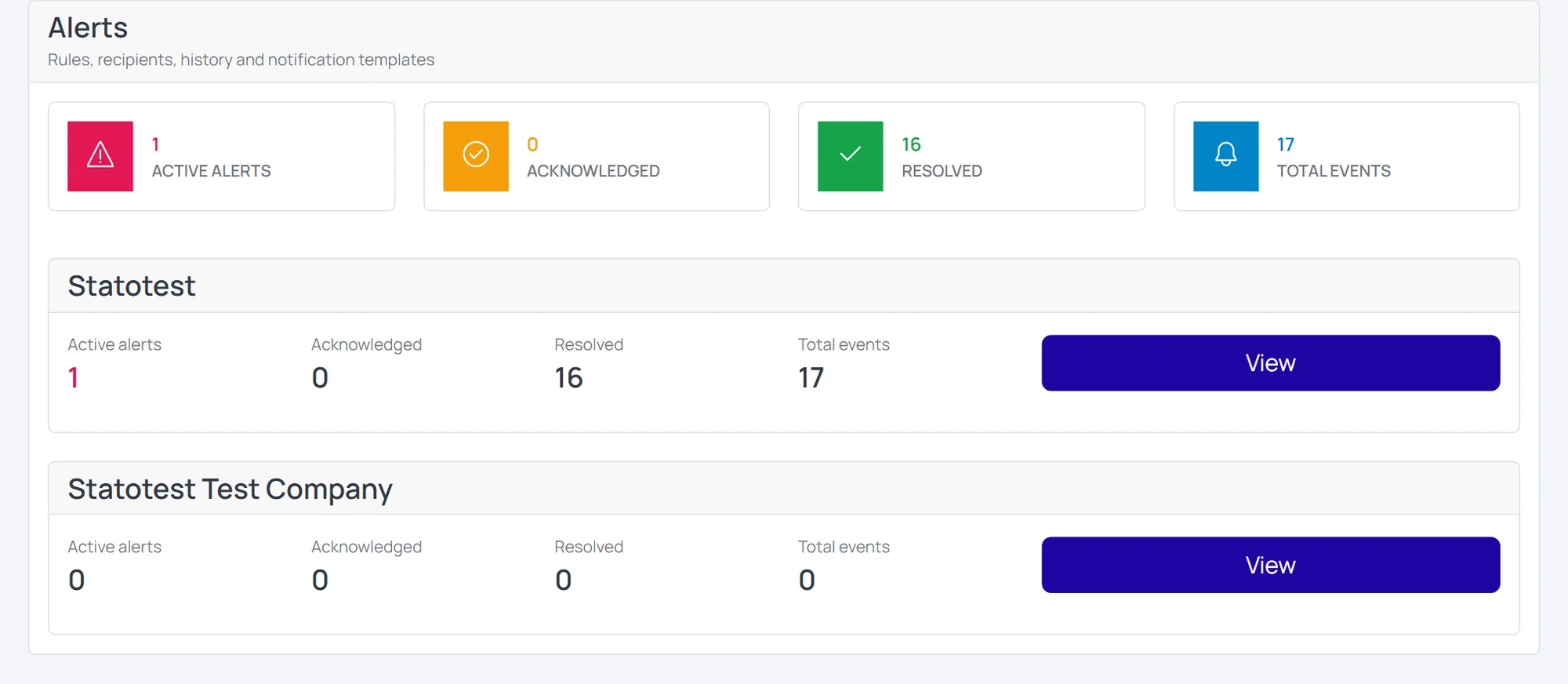
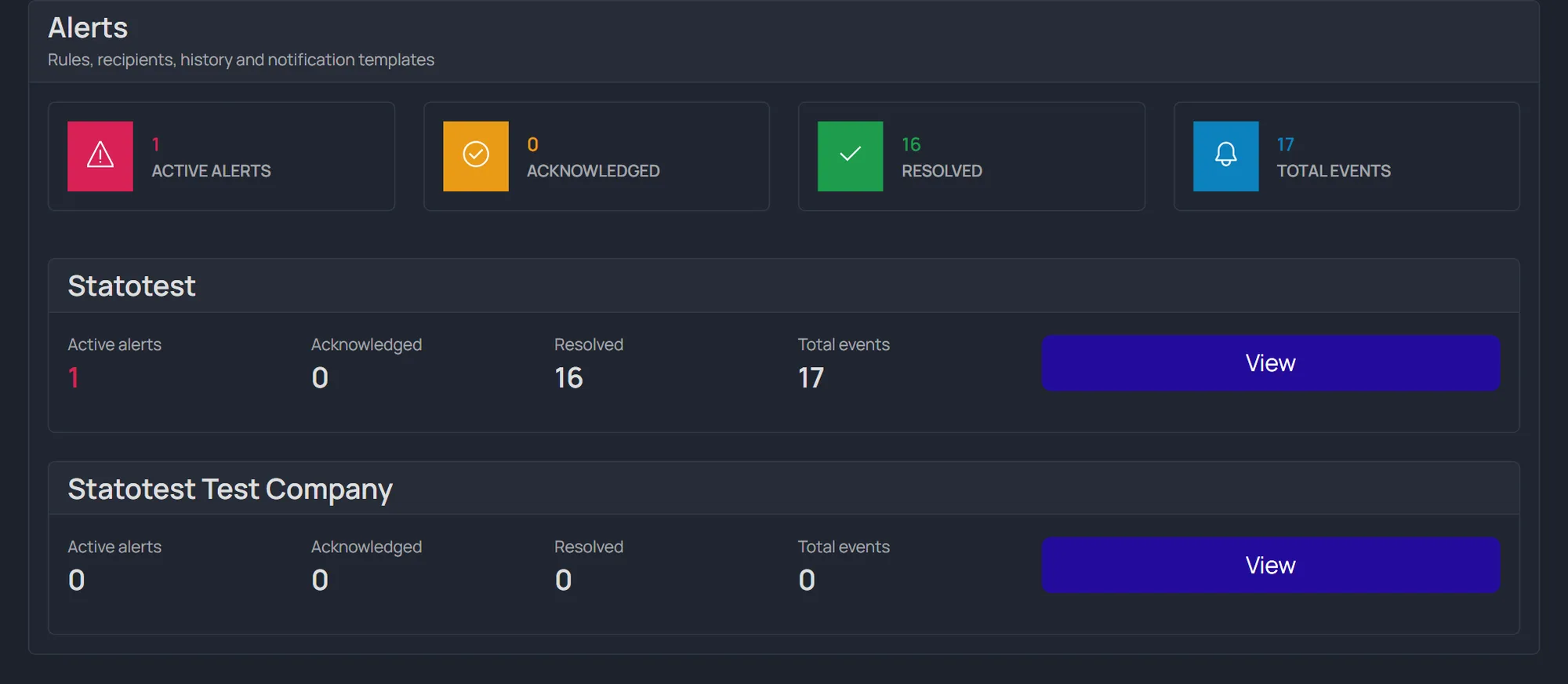
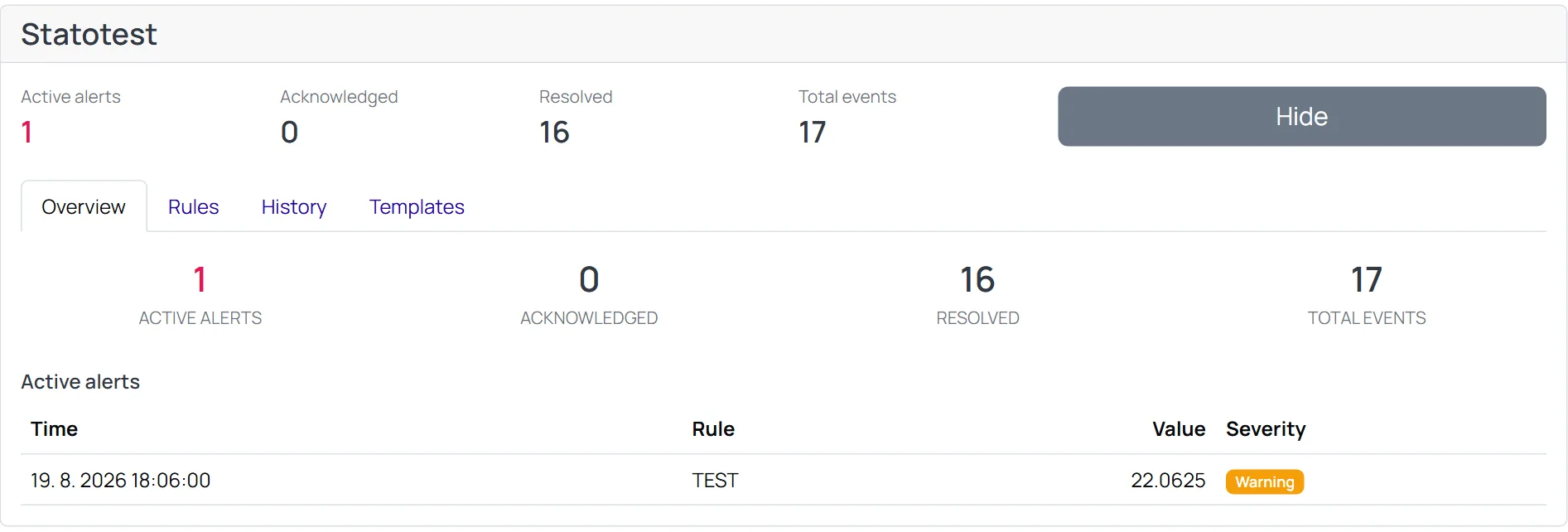
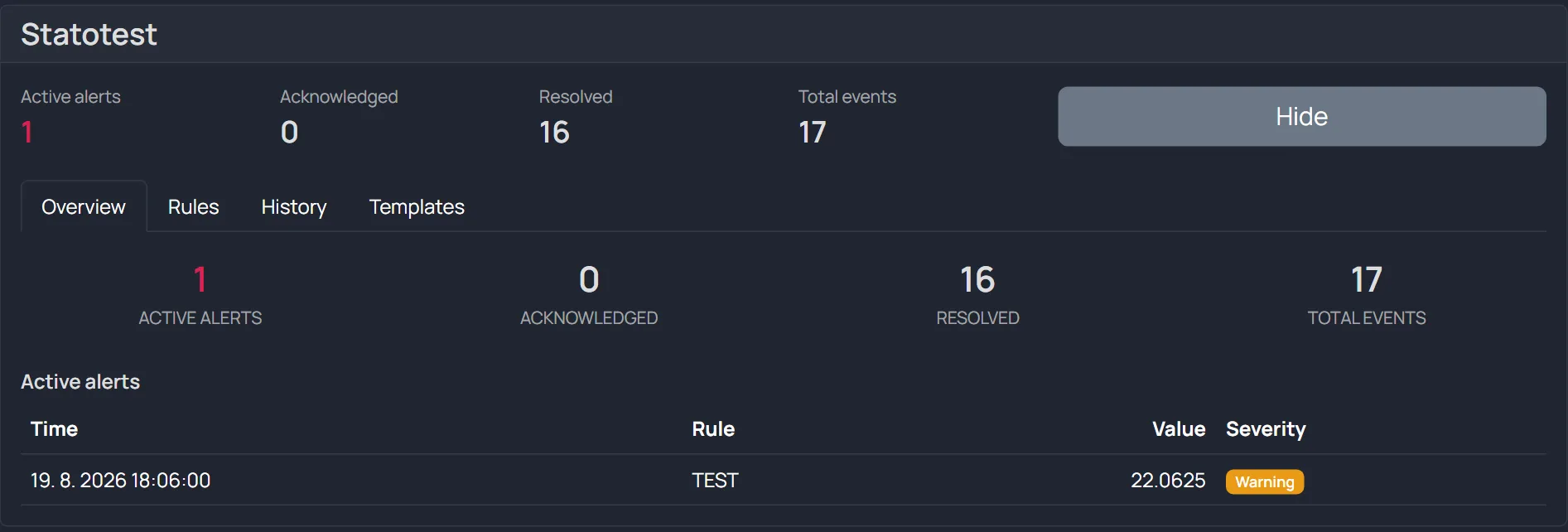
Click Show on an Organization to expand it. Everything for that Organization is then organized into four tabs:
| Tab | What it does |
|---|---|
| Overview | Summary — how many alerts are active / acknowledged / resolved, plus the list of currently active ones |
| Rules | Create and manage rules (what is watched, when, and who is notified) |
| History | Log of raised alerts — when they occurred, the value, and which notifications were sent |
| Templates | The text of notifications (e-mail / SMS), including language versions |
How it works
- You create a rule that watches a measured value on a specific Measurement Point.
- When incoming data crosses the rule's limit, an alert is raised (state Active).
- Notifications are sent to the rule's recipients in their preferred channel and language.
- If the problem persists and escalation is enabled, reminders are sent up to a maximum count.
- When the value returns to normal, the alert is resolved (optionally sending a "resolved" message).
A cooldown prevents the same alert from spamming recipients within a short period.