Event history
The History tab lists raised alerts, with a filter by state. For each alert you see the time it occurred, the value, the severity, and the state. Click a row to open its detail with the notification log — who was notified, on which channel, and whether the message was sent, failed, or is still pending.
Before You Begin
Select the Organization in the top navigation — the history is scoped to it.
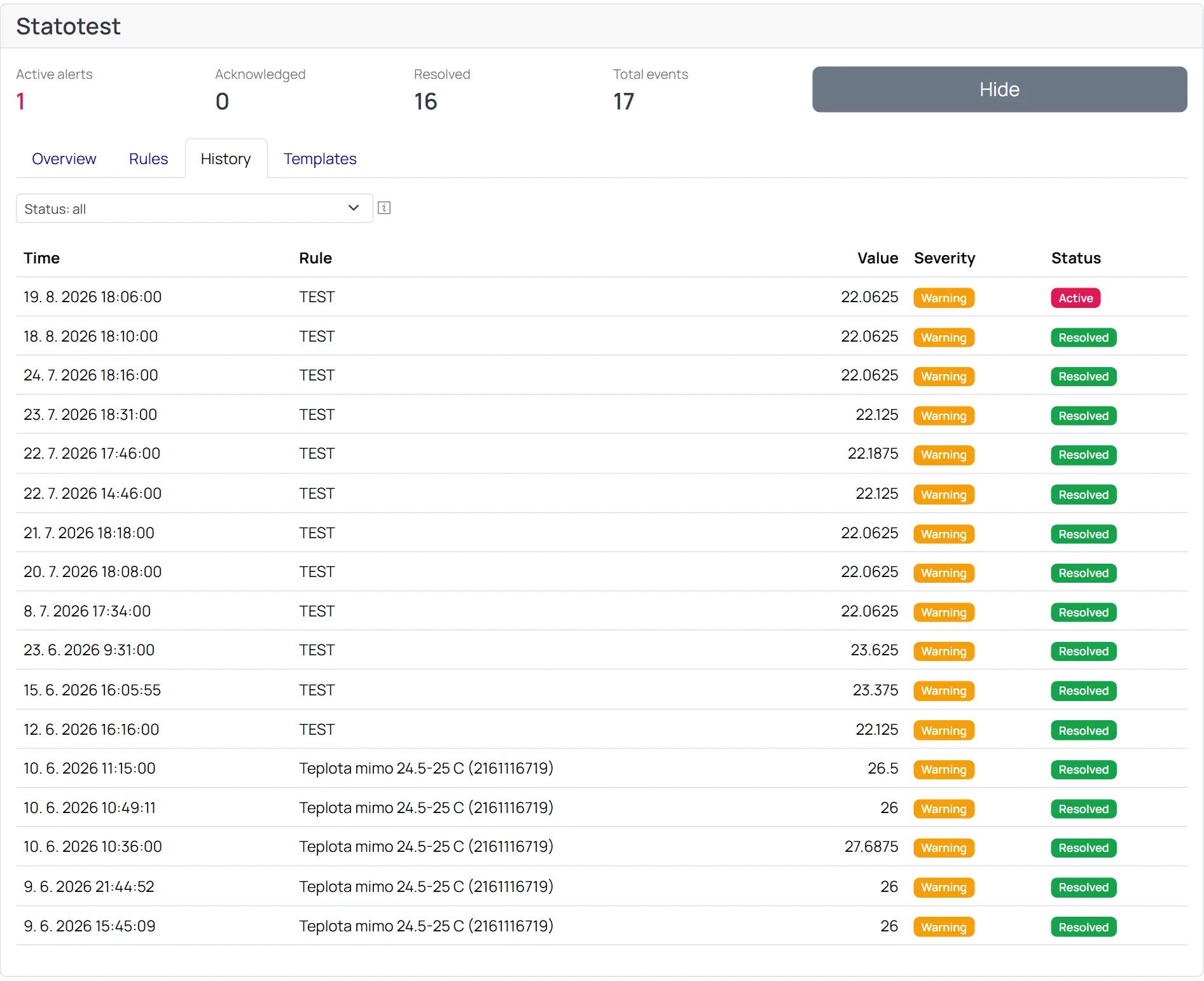
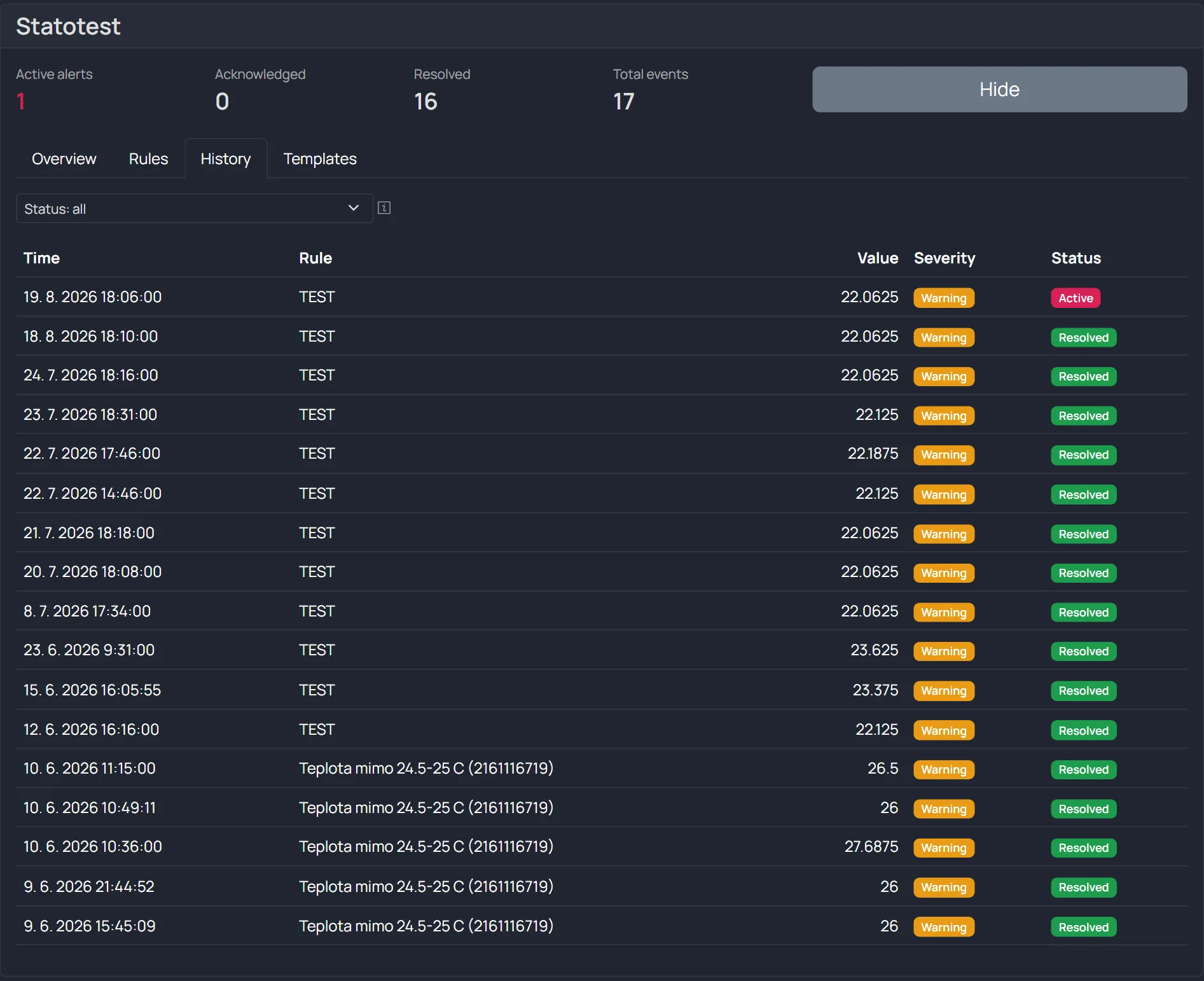
States and actions
| State | Meaning | Actions |
|---|---|---|
| Active | the alert is ongoing | Acknowledge (note it), Resolve (close manually) |
| Acknowledged | someone has taken note of it | Resolve |
| Resolved | closed (manually or by the value returning to normal) | — |
tip
Acknowledging an alert does not stop escalation reminders on its own — it records that someone is aware. Resolve the alert (or let the data return to normal) to close it.
Related
- Rules and recipients — cooldown and escalation control how often you are notified
- Templates — the text of the notifications logged here