Rules and recipients
A rule defines what is watched, how it is evaluated, and who is notified. Rules live on the Rules tab. Each rule can be toggled on/off with the switch in the list, edited, or deleted (with confirmation).
Before You Begin
Select the Organization in the top navigation — rules belong to it. See the Alerts overview.
Creating a rule
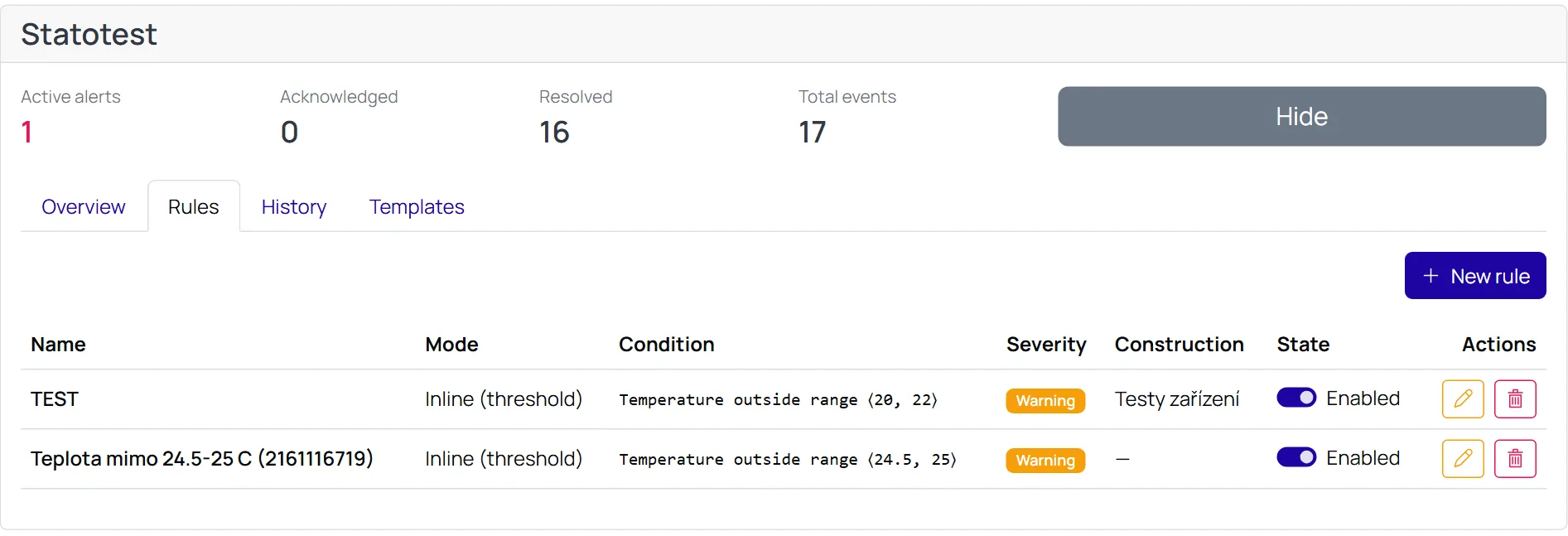
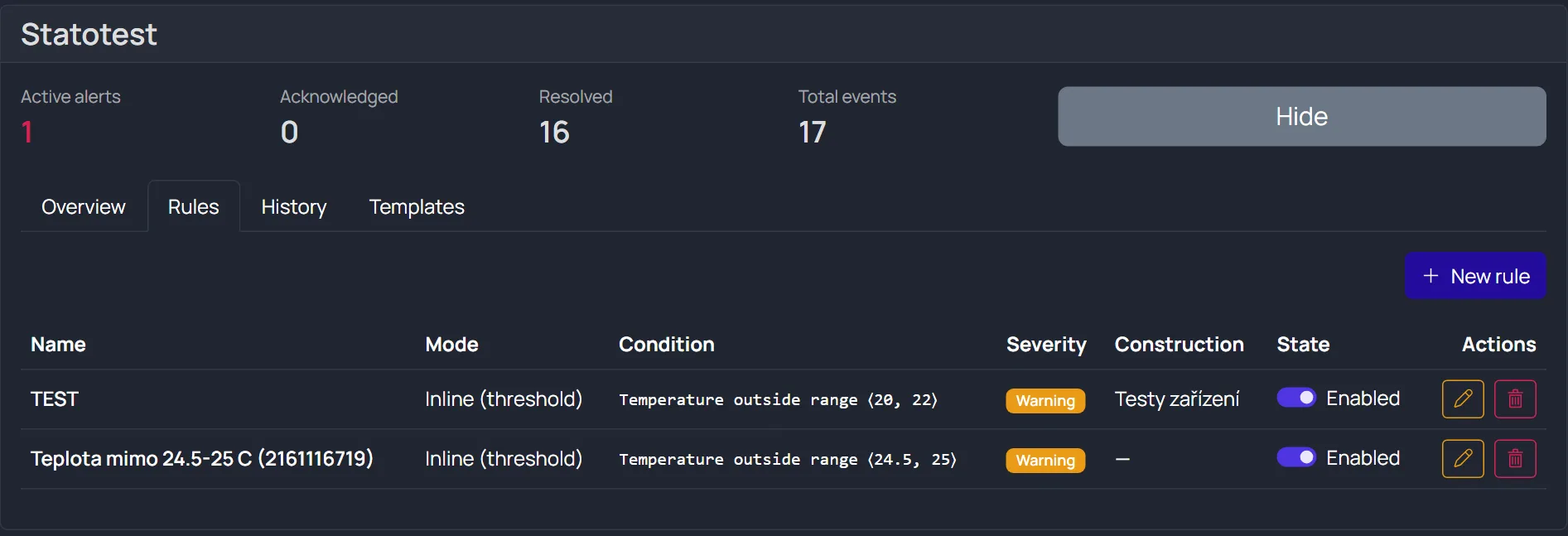
Open the Rules tab and choose New rule. The tab lists the existing rules with their mode, condition, severity, and on/off state.
- Name the rule and add an optional description.
- What to watch — pick a Construction → Measurement Point → measured field (e.g. temperature, voltage), following the usual Organization → Construction → Measurement Point hierarchy.
- Evaluation type — Inline (threshold) or Scheduled (expression) — see below.
- Severity — Info / Warning / Critical.
- Cooldown — the minimum gap between notifications (in seconds) so the same alert does not overwhelm you. No further notification is sent during the cooldown.
- Escalation (optional) — if the problem persists, send reminders. Set the repeat interval and the maximum number of reminders (so e-mails don't continue forever).
- Recipients — one or more, see Recipients below.
- Save.
Evaluation types
Inline (threshold) — recommended for most cases
Checks one field against a limit immediately as data arrives. Choose an operator and threshold(s):
| Operator | Triggers when | Thresholds |
|---|---|---|
> greater than | value > threshold | one |
< less than | value < threshold | one |
≥ / ≤ | value ≥ / ≤ threshold | one |
| outside range | value is below the lower or above the upper bound | two (lower and upper) |
| inside range | value is between the lower and upper bound | two |
note
For outside range and inside range you must fill in both thresholds.
Scheduled (expression)
For more complex conditions over a time window (average, min, max…). Evaluated periodically.
- Define one or more inputs — a variable (e.g.
a), a Measurement Point and series, an aggregation (average / min / max / sum / count / last), and a window length. - Write an expression, e.g.
a > 100ora - b > 5. - Set the evaluation interval.
Recipients
For each rule you add one or more recipients. For every recipient:
- Channel — E-mail or SMS.
- Address — the e-mail address or phone number.
- Minimum severity (optional) — the recipient only receives alerts from this level up (e.g. only Critical).
- Language —
cs/en. The message is sent in the recipient's language; different recipients of the same rule can receive different language versions.
What happens when a limit is crossed
data crosses the limit ─▶ ALERT raised (state Active) ─▶ notifications sent to recipients
        │
        ├─ if the problem persists and escalation is on ─▶ reminders (up to the max count)
        └─ data returns to normal ─▶ alert is Resolved and (optionally) a "resolved" message is sent
- Cooldown stops repeated spam within a short period.
- Without escalation, only one notification is sent when the alert is raised.