Devices overview
Devices are physical measuring units that send data to the Statotest cloud. Most devices can be configured via the mobile app and/or remotely from the Terminal.
To collect data in the cloud, a device must be assigned to a Measurement Point. See Assign to Measurement Point for the workflow.
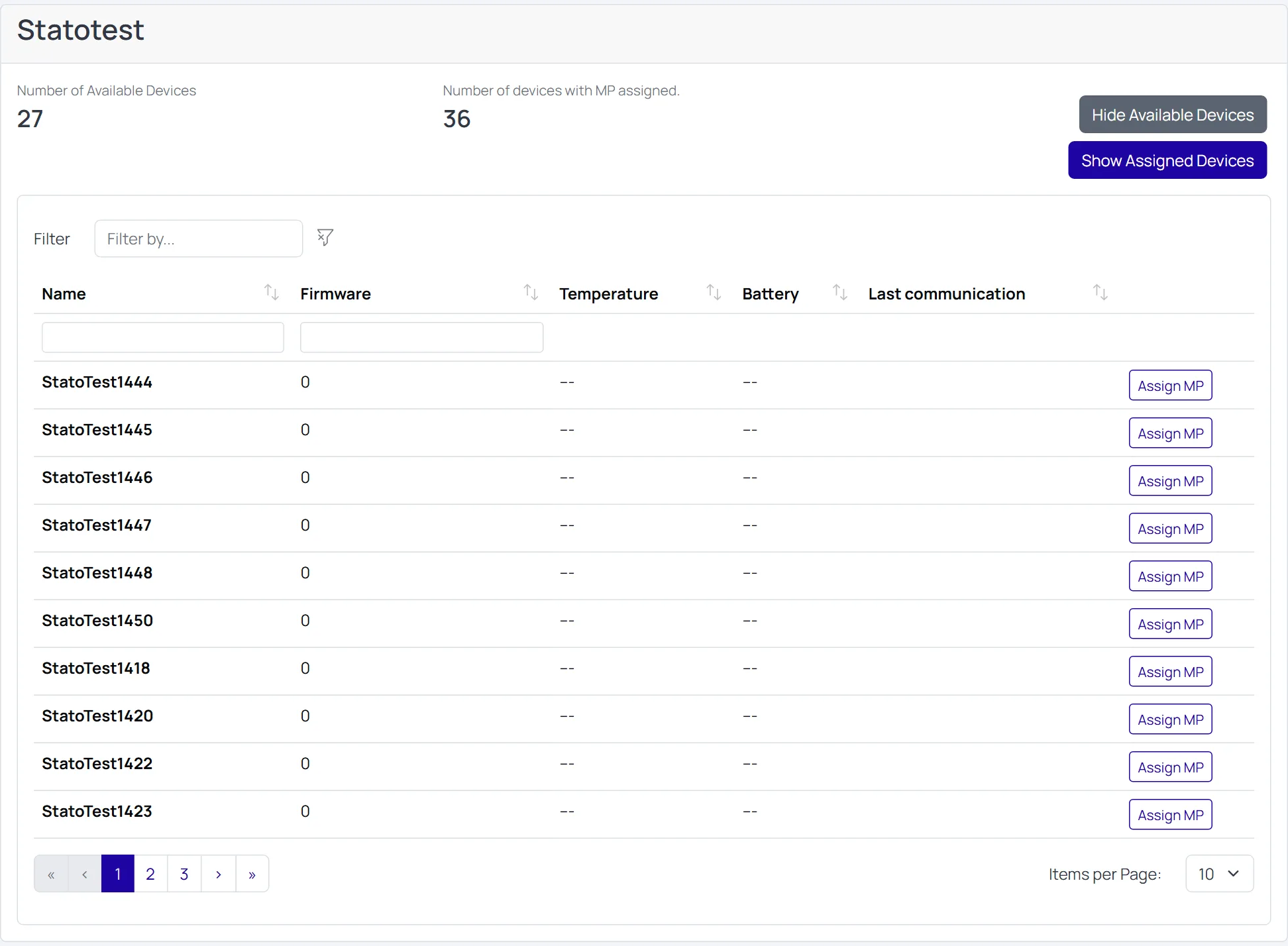
- Available
- The device is registered under an Organization but not assigned to any Measurement Point.
- Assigned
- The device is assigned to a Measurement Point. Data is uploaded to the cloud for that point.
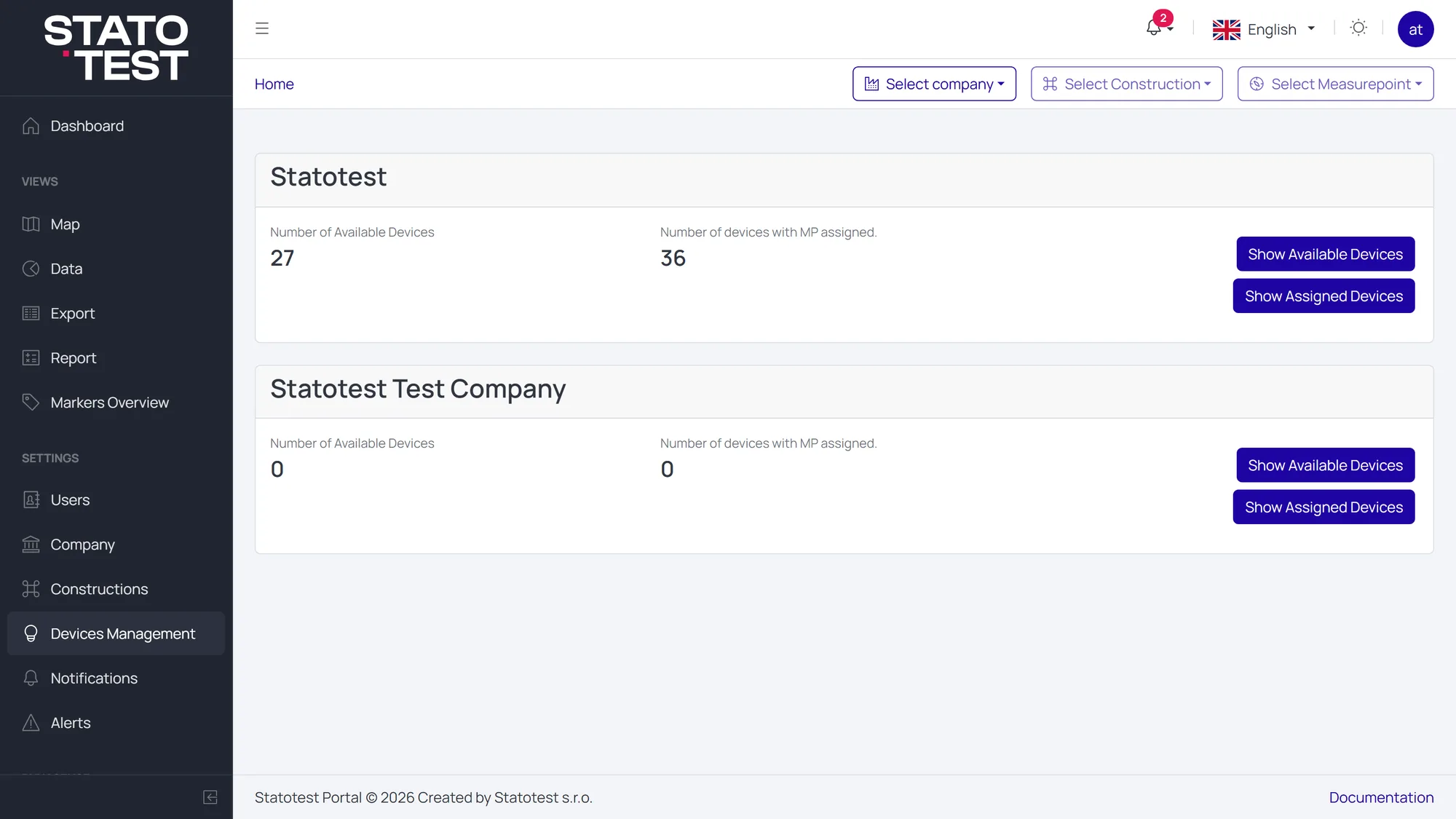
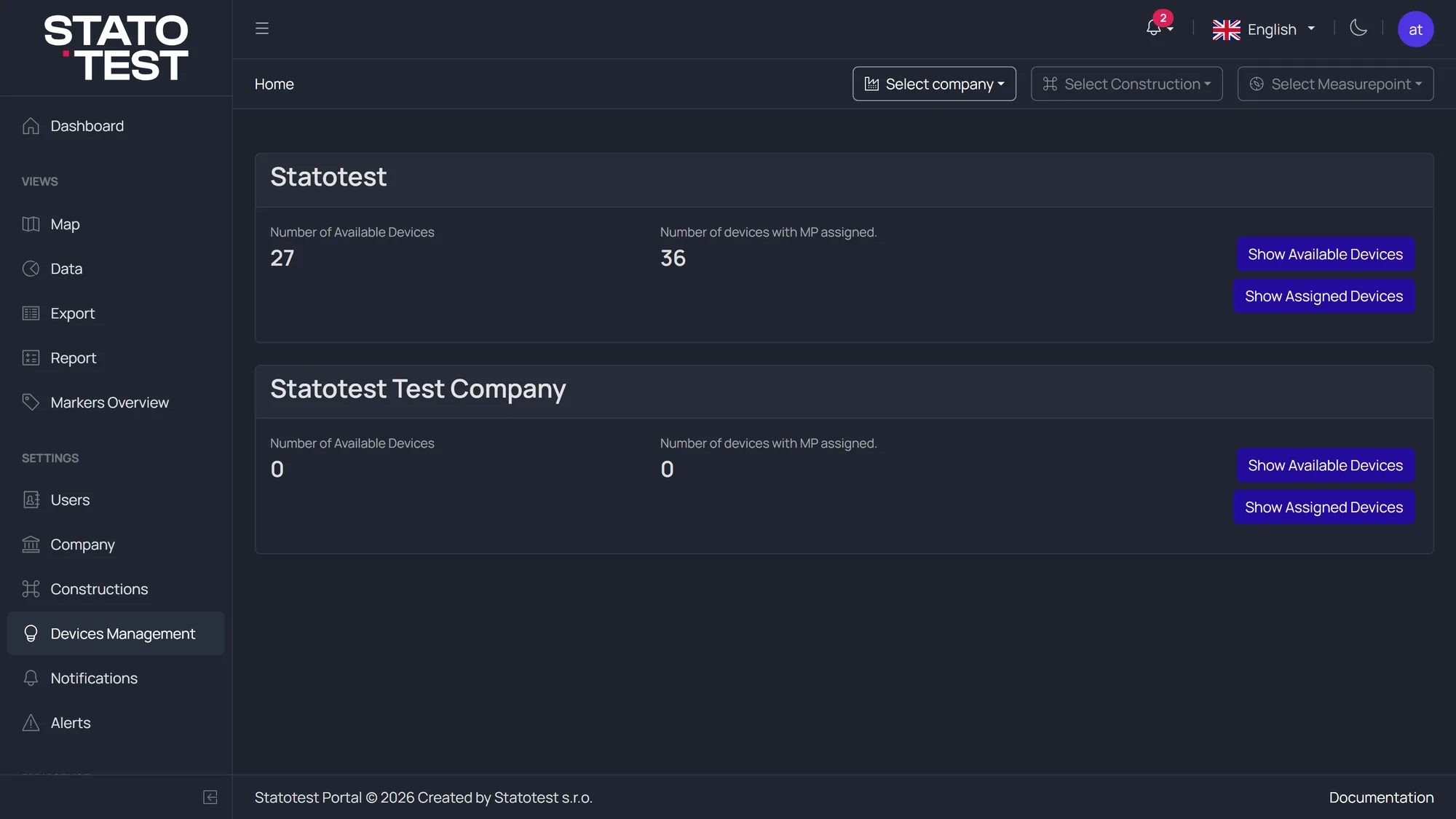
- Number of Available devices
- Number of Assigned devices
- Toggle to show the tables
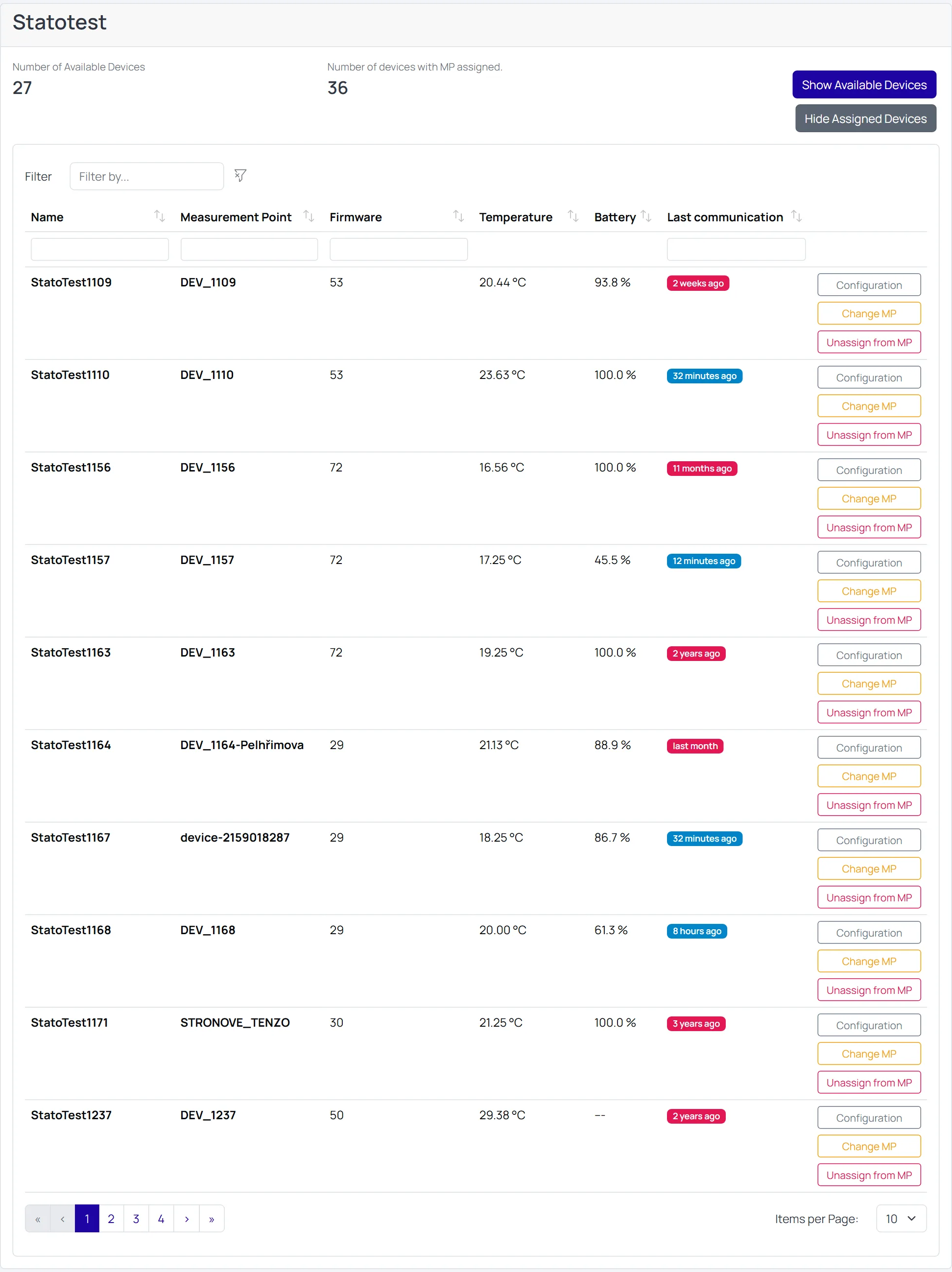
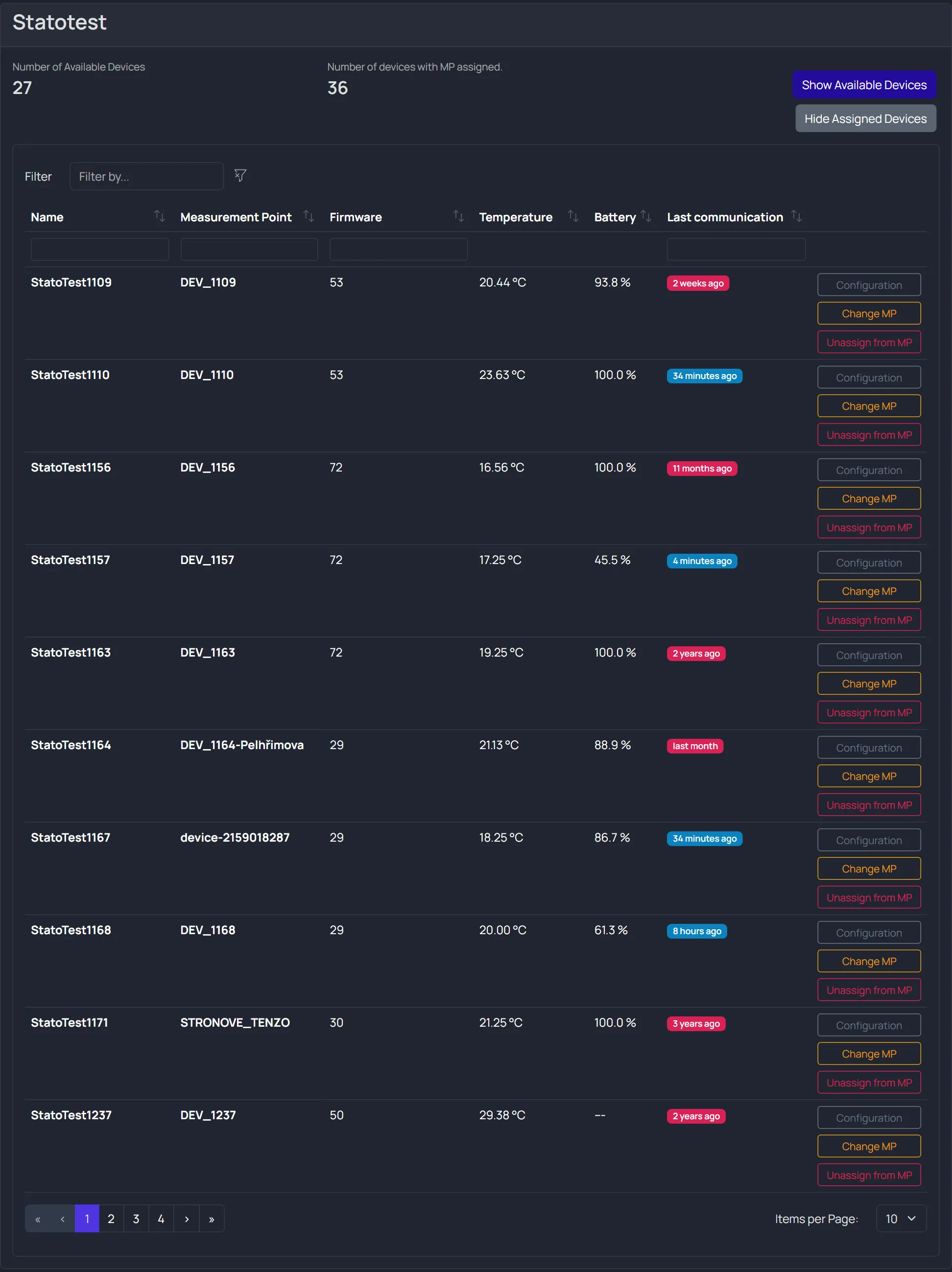
Columns
Both tables share the same columns, except that Assigned devices also names the Measurement Point.
| Column | Description |
|---|---|
| Name | Device name |
| Measurement Point | Assigned point (Assigned devices only) |
| Serial Number | Serial number of the unit |
| Firmware | Firmware version currently reported |
| Last communication | When the device last reached the cloud |
info
Battery and Temperature columns were removed. The values were neither reliable nor relevant, and the cloud no longer reports them, so Serial Number took their place. To judge whether a unit is alive, use Last communication.
Actions
Each row carries its actions in the last column, stacked one under another. Which ones appear depends on the table and the device.
| Action | Where | What it does |
|---|---|---|
| Configuration | Both tables | Opens the device configuration. Shown for Chester devices only |
| Assign MP | Available devices | Assigns the device to a Measurement Point |
| Change MP | Assigned devices | Moves the device to a different Measurement Point |
| Unassign from MP | Assigned devices | Returns the device to Available. Disabled when nothing is assigned |
| Files | Both tables | Opens the device attachments — datasheets, protocols, photos |
| Unregister | Both tables | Removes the device from the Organization. Global Admin only |
User Permissions
- Organization-level device management (register/unregister devices under an Organization) is Global Admin only. This includes search/find, creating a device, and registering unregistered devices.
- Assigning or unassigning devices to/from Measurement Points is available to Global Admins, Organization Admins, and Construction Admins. Other roles have read-only access.
- Anyone who can see a device can open its Files. Uploading and deleting attachments requires Construction Admin or above in that Organization.
See also: